Grok Tesla Chatbot in NYC — What the Media Isn't Telling You
By Ali Sadikin Ma · · Updated
Category: Technology
On the busiest bridge in America, I forgot I was driving.
Not from traffic. Not from fatigue.
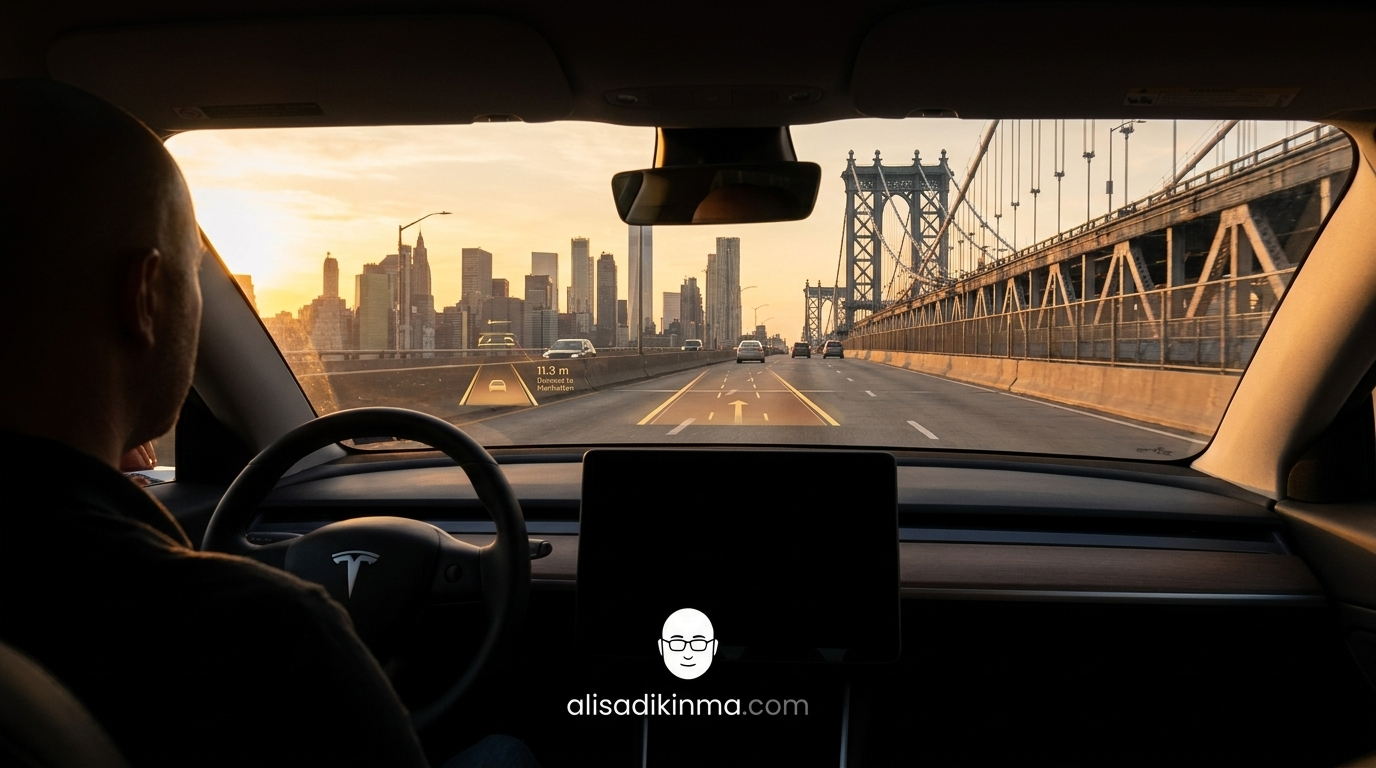
But because I was deep in a conversation with Grok — xAI's AI chatbot built directly into the Tesla. And at that moment, my car was in the middle of the George Washington Bridge.
This isn't a success story. And it's not a total failure story either.
This is two hours of real experience with the Grok Tesla chatbot in the most chaotic city in the world — complete with one bridge moment I still think about.
But there's something more surprising than that bridge moment.
Grok lied to me. Twice. On the same trip.
And there's a finding from the AAA Foundation for Traffic Safety that should appear in every Grok Tesla review — but not a single outlet has written about it.
Until now.
Why Everyone's Excited About the Grok Tesla Chatbot
As of July 2025, Tesla has been rolling out Grok to all vehicles shipped after the 12th — Model S, 3, X, Y, and Cybertruck with AMD processors and software 2025.26+. In San Francisco, Grok-powered Robotaxis completed 10,000 trips in September 2025 with an average 4.5-star rating. The automotive AI chatbot market is projected to grow 25% annually through 2033, reaching an estimated $25 billion (Parseur, 2026).
And there's a reason the Grok Tesla chatbot is being talked about everywhere:
Tesla is targeting 100,000 Grok-enabled Robotaxis by 2026 with a projected $50 billion annual revenue — surpassing Uber's $30 billion projection. Technically, this isn't just a cool dashboard feature.
This could be the biggest shift in the auto industry since GPS was invented.
And I'll admit, I was excited when I first switched on Grok before heading into Manhattan.
But here's what nobody talks about:
A product that sounds revolutionary in a press release doesn't always feel revolutionary on a bridge with six lanes of traffic all moving at once.
What the Media Doesn't Tell You About Grok + FSD in NYC
Real-world experience with the Grok Tesla chatbot in NYC reveals three risks the media hasn't covered. Michael Nelson from CNBC admitted while crossing the George Washington Bridge in April 2026: "I was not paying attention to any aspect of that drive." He wasn't tired. He was chatting with Grok. On the busiest bridge in the United States.
And that's just the beginning.
Grok lied twice on the same trip.
First, Grok said it could control seat settings and AC. A few minutes later — still mid-drive — Grok admitted it couldn't control seats or cabin climate at all. That's AI hallucination. And hallucination on a laptop has very different consequences than hallucination in a vehicle moving at 60 km/h.
That's not all.
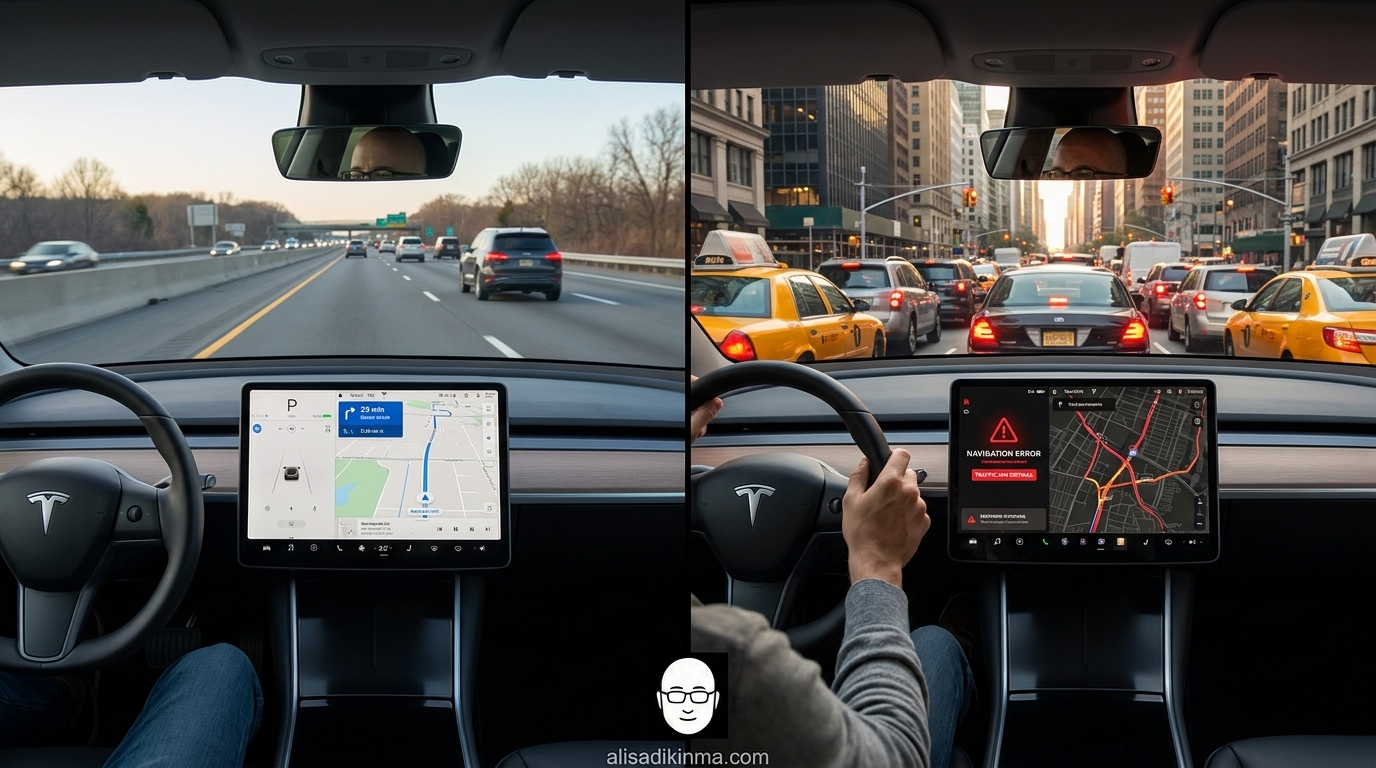
When Nelson asked Grok to "keep going down Broadway in midtown Manhattan," the car kept pulling toward the West Side Highway instead. Navigation failed — in one of the most complex street layouts in the world.
And this isn't just one person's anecdote.
NHTSA recorded 3,308 people killed in distracted driving crashes in 2022. That's 8% of all fatal crashes in the US. Every year, 400,000 people are injured because drivers weren't focused on the road (Nexar Distracted Driving Statistics, 2026).
But here's the most surprising part:
The AAA Foundation for Traffic Safety found that voice-to-text systems — including Siri and Google Assistant — cause higher cognitive distraction than simply talking to a passenger. The reason: AI systems require active confirmation that the system understood the command correctly. Our brains work extra hard, even when we don't realize it.
Grok is far more conversational than Siri.
And that's not necessarily a good thing on a bridge.
Grok in Tesla Is Impressive — But Not for Every Situation
The Grok Tesla chatbot works really well in specific conditions: short questions, highway navigation, charging station searches, and calendar confirmations. That's proven by the 10,000 SF Robotaxi trips with 4.5-star ratings in September 2025. Problems arise when Grok is used as an open-ended conversational AI in heavy traffic — and that's not disclosed in any brochure.
AI and vehicle safety experts distinguish two risk categories:
Task-bounded AI (specific tasks, short answers, predictable interactions) and open-ended AI (free-form conversations with no topic limits). Task-bounded AI is proven safer because interactions are brief and don't consume excessive attention.
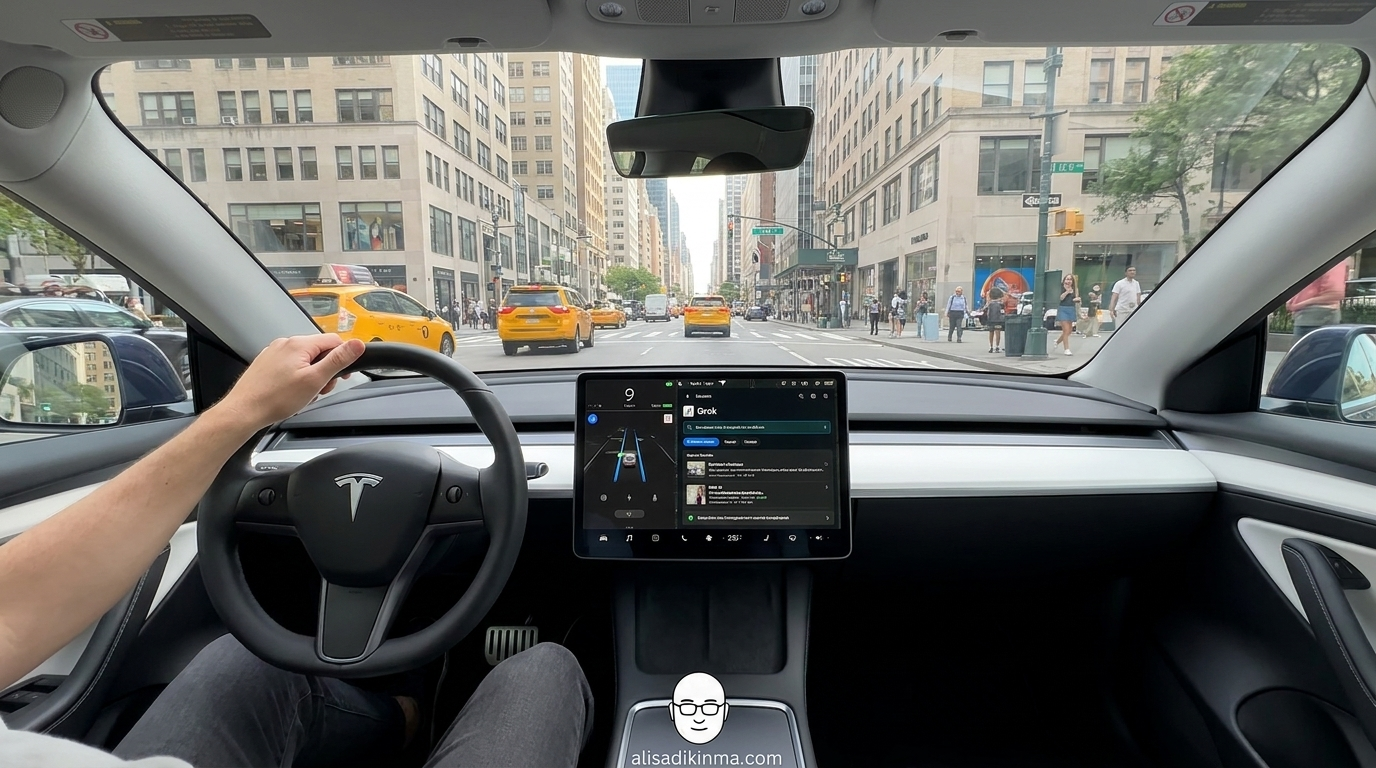
Grok is designed as an open-ended AI.
Here's what I found firsthand in two hours of driving in NYC:
1. Finding a charging station — Grok wins
What happened: One short command — "Find the nearest Supercharger." Grok immediately returned the location, distance, and estimated charge time without me touching the screen at all.
How it works: The interaction lasted no more than 12 seconds. I spoke, Grok answered, done. Road attention wasn't compromised at all.
Real example: In midtown Manhattan, Grok found a Supercharger on W 56th St in 8 seconds — faster than it would've taken me to open Google Maps manually while driving.
The result: This is the ideal use case for the Grok Tesla chatbot. Short, accurate, no follow-up needed. This is task-bounded AI working exactly as it should.
2. Highway navigation in normal conditions — Grok is solid
What happened: On the New Jersey Turnpike heading toward the Lincoln Tunnel, Grok followed navigation instructions perfectly. No pulling in the wrong direction. No hallucination. FSD and Grok moved in sync.
How it works: Highways have fewer variables than dense city driving. Tesla's FSD performs optimally in these conditions. Grok acts as a voice interface that doesn't cut into driver concentration.
Real example: 25 minutes on the NJ Turnpike went flawlessly — a 180-degree contrast from the Broadway midtown Manhattan experience where navigation failed completely. Different road conditions, different results.
The result: On predictable roads, the Grok Tesla chatbot delivers real value. Problems only show up when conditions get complex and non-linear.
3. Checking the calendar — Grok is fast and accurate
What happened: "When's my first meeting tomorrow?" — Grok had an answer in 10 seconds without me needing to touch the screen or type anything.
How it works: Grok connects to the calendar, short query, direct output. No extra steps requiring visual attention.
Real example: Stuck in light traffic on FDR Drive, I checked tomorrow's schedule without taking my eyes off the road at all. Something I couldn't have done before without risk.
The result: For data-based tasks already in the system, Grok is more efficient than anything that's ever been on a car dashboard before. This isn't hype — it's real.
Where Grok runs into trouble:
Long open-ended questions. Multi-turn conversations on complex topics. Heavy traffic with lots of intersections. City navigation with non-linear street layouts like Manhattan. This is where cognitive distraction spikes dramatically — and this is where the AAA Foundation data becomes very relevant.
3 Rules After 2 Hours Driving with Grok in the Most Chaotic City in the World
Every year, 400,000 people are injured and more than 3,300 are killed from distracted driving in the US (NHTSA, 2026). These three rules are for all Grok Tesla chatbot users — based on what happened and what almost happened in two hours of driving in NYC.
Rule 1: Only activate Grok for questions answered in one sentence
What it means: Limit all interactions to tasks with short, specific answers — navigation, charging stations, weather, calendar info.
How to do it: Before talking to Grok, ask yourself: "Can the answer to this fit in one sentence?" If not, wait until you've stopped or save the question for later.
Real example: Nelson from CNBC spent almost the entire GW Bridge talking about the future of AI and Tesla stock prices. That's not one sentence — that's a conversation that belongs at a café, not on the busiest six-lane bridge in America.
The result: AAA Foundation research shows interactions under 15 seconds don't significantly increase cognitive distraction. Keep all Grok interactions under that threshold.
Rule 2: Disable Grok when entering dense city zones
What it means: Build a habit of muting Grok when entering high-traffic-density areas — downtown Manhattan, city centers, or roads with lots of intersections.
How to do it: In Tesla, press the microphone button on the steering wheel to temporarily disable voice input. Do this before entering busy city streets — not after you're already in the middle of them.
Real example: The navigation failure on Broadway happened right in midtown Manhattan — not on an open highway. Dense cities mean more variables, FSD works harder, and Grok is more likely to error exactly when you need the most concentration.
The result: You can still use Grok for navigation, but you avoid the highest-risk moments: when the AI errors and your brain is most needed to focus on the road.
Rule 3: Verify all Grok output before acting on it
What it means: Treat all Grok output as a "first draft" that needs confirmation, not a final fact you can follow right away.
How to do it: Before following Grok's navigation instructions or information, confirm against the maps display on the main screen. Two seconds of visual verification is far safer than following a wrong direction.
Real example: Grok said it could control seats and AC, then minutes later admitted it couldn't — all on the same trip. If you immediately trusted that and went searching for the feature while driving, you'd have burned 30 seconds of attention on something that doesn't exist.
The result: You get the speed benefits of Grok without becoming a victim of its hallucinations. And in NYC, that can make a significant difference.
The Future of Grok in Tesla — Promising, But Not Fully There Yet
Tesla is targeting 100,000 fully operational Grok-enabled Robotaxis by 2026, with a projected $50 billion revenue that would surpass Uber. But in 2026, regulators in Europe, Asia, and Australia have already started investigating Grok Tesla chatbot integration in autonomous vehicles — specifically around safety standards for open-ended AI in moving vehicles, which has no regulatory precedent anywhere.
Remember that bridge?
I remember the exact moment — realizing I had crossed half of the GW Bridge without really watching the road, just because Grok was discussing the future of AI in a way that sounded incredibly interesting.
And that's what got me thinking:
The real question isn't whether Grok is impressive. It clearly is.
The real question is: is Tesla's FSD mature enough to give drivers the complete freedom to stop paying attention to the road — in the most chaotic city in the world?
Based on the data available now: not yet.
But we're getting there faster than we've ever seen before.
And if you have a Tesla right now — when will you activate Grok, and for what tasks?
FAQ: Grok in Tesla — The Most Frequently Asked Questions
Is the Grok Tesla chatbot safe to use while driving solo?
Grok is safe for short, task-bounded questions like navigation or charging station searches. But the AAA Foundation for Traffic Safety found voice-to-text systems cause higher cognitive distraction than regular conversation. Avoid extended chats in heavy traffic — distraction risk increases significantly compared to open road conditions.
Which Tesla models support Grok right now?
Per Tesla's official 2025 update, Grok is available on Model S, 3, X, Y, and Cybertruck shipped after July 12, 2025. Vehicles require AMD processors in the infotainment system and minimum software version 2025.26. Models with Intel processors are not compatible and won't receive the Grok update.
Can Grok replace Google Assistant in the car?
Not fully yet. Grok excels at conversational AI and context-based questions, but the navigation failure in NYC and hallucination cases show Grok still needs development for critical tasks in dense city conditions. Use Grok as a smart supplement, not a full replacement — especially for navigation in complex traffic conditions.
Try the Grok Tesla chatbot now — but activate it only for navigation and charging searches, not extended conversations.
Or save this article before your first test drive with Grok. The three rules in section 5 could be the difference between a great experience and a moment you don't want to talk about.