Claude Design Launches, Figma Stock Drops 7% — Here's What's Really Going On
By Ali Sadikin Ma · · Updated
Category: Design
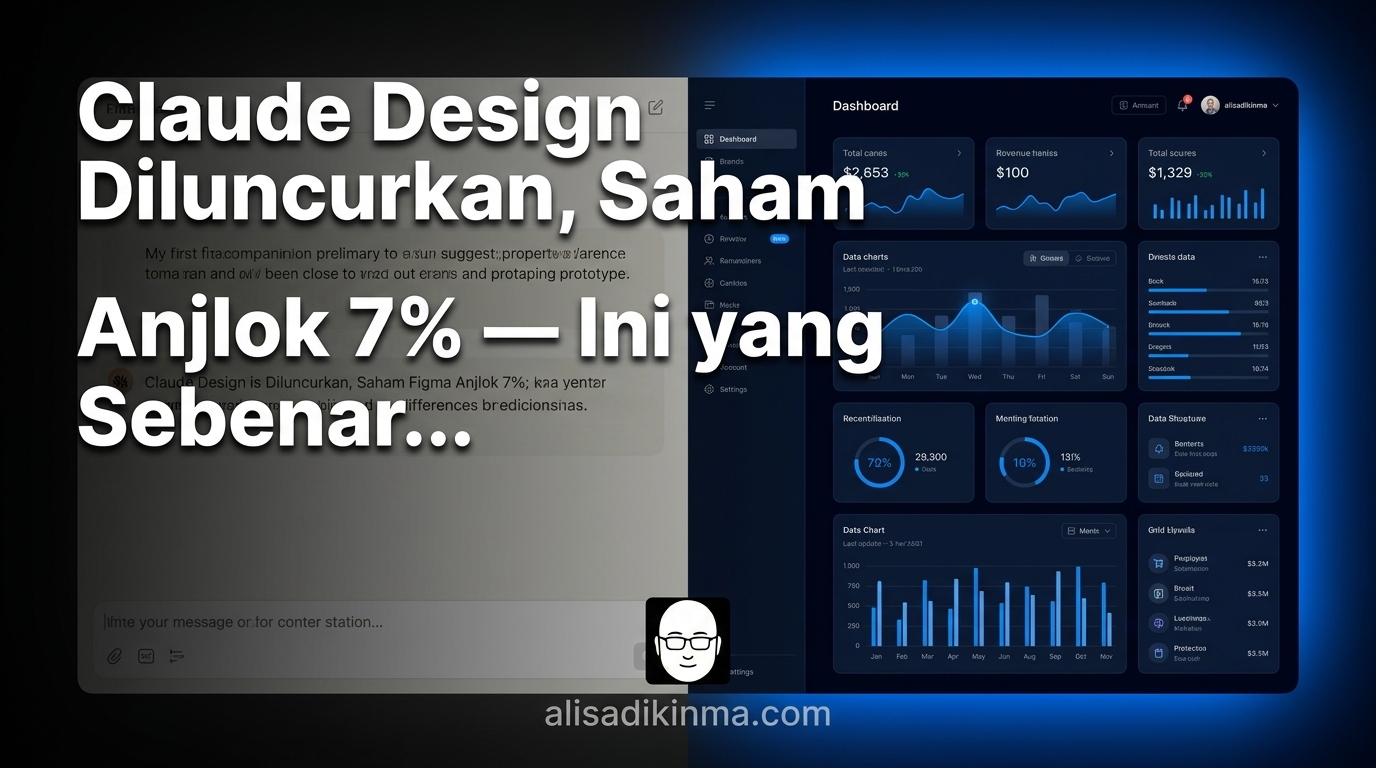
Anthropic launched Claude Design on April 17, 2026, causing Figma's stock to drop 7% the same day. The tool reads existing codebases and design files to auto-generate design systems, converts plain-language prompts into clickable interactive prototypes, and integrates directly with Claude Code for a seamless design-to-development handoff. Available as a research preview for Claude Pro, Max, Team, and Enterprise subscribers, it targets founders, PMs, and non-designers who have historically been locked out of the design execution loop.
Figma's stock dropped 7% in a single day.
Not because of internal issues. Not because of a disappointing earnings report. But because Claude Design — a new tool from Anthropic — just dropped, and the market immediately understood what that meant.
This isn't your typical AI hype that'll be forgotten next week.
Three questions are probably running through your head right now: what exactly is Claude Design, why is Figma taking the biggest hit, and is this a real threat or just noise in the middle of thousands of AI launches every month?
We'll answer all of that here. But first, there's one thing that gets overlooked in every article about Claude Design:
This isn't about a smarter design tool. It's about who can now actually create designs — and who no longer has to wait on someone else to get started.
The Tool That Just Sent Figma Investors into a Panic
On April 17, 2026, Anthropic launched Claude Design. That same day, Figma's stock immediately fell around 7%, according to Gizmodo. That's a pretty sharp market reaction for a tool that just entered research preview — and it wasn't a coincidence.
But why such a strong reaction?
Because investors saw something different from every AI design tool that came before it. They saw something that could actually answer a question that's never been properly answered.
To understand why this matters, we need to step back and look at the real problem — a problem that isn't about tools, but about access.
Why 99% of People Have Always Been Locked Out of Professional Design
Figma controls around 80–90% of the UI and UX design tools market, according to VentureBeat. But ask what percentage of the total population can actually use Figma productively — and that number is a lot smaller.
Figma was built by designers, for designers.
Not for founders validating a product idea late at night. Not for PMs writing long PRDs but can't translate them into wireframes. Not for marketers who have a clear visual campaign idea in their head but have no clue how to use auto-layout.
Sound familiar?
You're sitting in front of your screen with a crystal-clear picture of what you want to build, but you can't execute it yourself. So you wait for a designer to be available, write a long brief, then see the result — and realize their interpretation is nothing like what you had in your head.
This bottleneck is real. And the cost is bigger than it looks on the surface.
Sprints that should take one week stretch to two. Ideas that should be validated quickly end up queued behind a designer's already-packed schedule. Products that should already be in users' hands are still stuck at the mockup stage.
But that's only half the problem.
Because it turns out, even previous AI tools haven't actually solved it.
Why Previous AI Design Tools Still Haven't Solved the Problem
Before Claude Design, the AI design market was already crowded. Plenty of tools claimed they could help with design using AI. The generative AI design sector was even projected to grow 18x — from $741 million to $13.9 billion, according to PYMNTS.com. That kind of growth attracted a lot of major players.
But they all shared the same fundamental weakness:
You still needed a designer somewhere in the middle of the process.
Why? Because their output was visual assets — nice images, attractive components, but not a system you could actually use. You still needed someone who knew how to integrate all of it into a consistent design system, organize components, pick the right typography, and make sure everything stayed coherent from one page to the next.
The result?
AI tools just moved the bottleneck. Instead of needing a designer from scratch, you needed a designer to polish the AI output. The gap between having an idea and having a clickable prototype was still there.
That's what makes it so frustrating. The design tools market kept growing with billions in investment, but the core problem never moved.
Until now.
You're about to see what's actually different about Claude Design. But it's important to understand why everything before it fell short — so you can judge for yourself whether this time is genuinely different.
What Claude Design Actually Does — and Why This Time Is Different
Claude Design launched on April 17, 2026 as an Anthropic Labs research preview, powered by Claude Opus 4.7, according to TechCrunch. But the technical specs aren't the interesting part — what's interesting is how it works from a user's perspective, and why it closes a gap that nothing else has managed to close.
Here's how it works:
1. Read your team's codebase and design files — then automatically build a design system
What happens: During onboarding, Claude Design doesn't ask you to start from scratch. It reads your existing code repositories and design files, then automatically builds a design system — colors, typography, components — that's immediately usable across all future projects, according to Engadget.
Why it matters: Something that normally takes a designer weeks to build from scratch, Claude Design does during onboarding. Every prototype it generates afterward is immediately on-brand — no briefing required, no style guide to explain over and over.
2. Turn a text prompt into a clickable interactive prototype
What happens: You write a description in plain language — build a dashboard for a fintech app, modern and clean, with dark mode — and what you get back isn't a static mockup. You get an interactive prototype with components you can click through and navigate, not just a pretty image that doesn't do anything.
Why it matters: A clickable prototype can immediately be used for product direction validation, stakeholder presentations, or technical discussions with developers. No long explanation sessions required — everyone can just try it themselves.
3. From 20 prompts down to 2 — not a marketing claim, real-world data
What happens: Brilliant, the education company, reported that pages requiring more than 20 prompts in competing design tools could be built with just 2 prompts in Claude Design, according to The New Stack.
Why it matters: That's not an incremental improvement — that's 10x more efficient. For teams that iterate on design frequently, the difference adds up to hours saved per sprint. And that directly impacts your team's overall velocity.
4. Direct handoff to Claude Code — the loop that's always been broken finally closes
What happens: Once a prototype is approved, a single instruction is all it takes to send that bundle to Claude Code. From there, developers can go straight to implementation — no manual export process, no file conversion, no re-briefing, according to The New Stack.
Why it matters: For the first time, there's a closed loop from exploration to prototype to code within a single ecosystem. The pipeline that used to break down between different tools can now run without any gaps.
Anthropic isn't a small player taking a shot at a new market. Their ARR surpassed $30 billion in early April 2026, up from $9 billion at the end of 2025, according to Bloomberg via The New Stack. This is a company moving with serious speed and serious resources — and Claude Design is proof of that.
The question is no longer whether this will stick. It's:
How fast is it going to change the way you work?
3 Fastest Ways Founders and PMs Can Kill Their Design Bottleneck Today
Claude Design is available in research preview for Claude Pro, Max, Team, and Enterprise subscribers as of April 2026, according to TechCrunch. If you're on one of those tiers, here are the 3 fastest ways to start feeling the difference right now.

1. Validate your product direction with a prototype before a single line of code is written
What: Use Claude Design as an early filter before you engage a designer or developer on any new project.
How: Write your product brief in 2–3 sentences — the problem it solves, who the user is, the visual tone. Paste it into Claude Design and ask for 2–3 visual variations. Pick the direction closest to your vision and use it as an anchor for all future discussions.
Example: A B2B SaaS founder can validate in 30 minutes whether their dashboard feels enterprise-grade or too consumer-oriented — before any designer starts working. Catching a direction mismatch at this stage saves weeks of revisions down the road.
Outcome: Your design team starts with a clear direction. Revisions drop dramatically. Timelines get shorter. And you don't blow budget on iterations that could have been resolved at the very first stage.
2. Use the automatic design system for brand consistency without repeated briefings
What: Connect Claude Design to your team's codebase and design files upfront, then let it build the design system that will automatically be applied across all future sessions.
How: During onboarding, upload your existing repository or design files. Claude Design will extract the color patterns, typography, and components consistent with your brand. From that point on, every new prototype automatically follows that system — no need to explain it from scratch each time.
Example: A product team that previously needed a 30-minute designer briefing for every iteration — because no one wanted the wrong colors or inconsistent fonts — can now generate an on-brand mockup in 5 minutes. Designers can focus on decisions that actually require human judgment.
Outcome: Brand consistency is maintained automatically across every prototype. New project onboarding time shrinks. And the visual quality produced by non-designer team members improves significantly from day one.
3. Close the loop with Claude Code for a dramatically shorter idea-to-code cycle
What: Once a prototype is approved, skip the manual export. Use the direct handoff to Claude Code to cut the time between design approved and development started.
How: From within Claude Design, use the handoff feature to send the bundle to Claude Code. Give it a quick set of instructions — the tech stack you're using, any implementation preferences — and Claude Code can jump straight in without a re-briefing session or extra explanation.
Example: A PM who previously waited 3–5 days for one wireframe-to-review-to-revision-to-developer-handoff cycle can now complete that entire cycle in a single afternoon. One afternoon, not one week.
Outcome: Sprint velocity increases noticeably. Time from idea to working code drops dramatically. And most importantly — the loop that's always been broken between design and engineering finally closes in a single pipeline that runs without friction.
The Closed-Loop Era Is Here — and It's Changing Who Gets to Build Products
Back to the number we started with: Figma's stock dropped 7% on April 17, 2026, the same day Claude Design launched as an Anthropic research preview, according to Gizmodo.

But this isn't about Figma losing.
It's about something bigger:
For years, there's been one unspoken question behind every product idea — do we have a designer who can execute this? If the answer was no, the idea often stopped right there. Not because it was a bad idea. But because access to visual execution has always depended on a specific person's skills and availability.
Claude Design shifts that equation.
For the first time, there's a pipeline from text to prototype to code that doesn't require a designer at every step. Not as a replacement for a great designer — but as an entry point for everyone who previously had no access to that loop at all.
Prompt-to-production is now real. For anyone with a Claude subscription.
The more relevant question now:
Which design bottleneck has been holding your team back this quarter — and how quickly are you willing to try a different way?
FAQ — Claude Design: Your Questions Answered
Is Claude Design available to all Claude users?
Not yet. As of April 2026, Claude Design is available as a research preview exclusively for Claude Pro, Max, Team, and Enterprise subscribers. Free plan users don't have access yet. Anthropic hasn't announced a general availability timeline, but research previews typically precede a broader rollout within a few months, according to TechCrunch.
Can Claude Design fully replace Figma?
Not fully — not yet. Claude Design excels at rapidly generating prototypes and building an initial design system from an existing codebase. Figma is still stronger for designer team collaboration and highly specific visual detail adjustments. What changes is who needs to use Figma — non-designers now have a serious alternative for the exploration and early product validation stages.
Do I need a design background to use Claude Design?
No. That's actually its core value proposition. Claude Design is built for founders, PMs, and non-designers who can describe what they want in plain everyday language. If you can write a 2–3 sentence brief, Claude Design can generate a viable prototype from that description — no knowledge of auto-layout or component variants required.
How does the Claude Design and Claude Code integration work?
Once your prototype is finalized, you can send the design bundle directly to Claude Code with a single instruction. This creates a closed loop from exploration to production within the Anthropic ecosystem — from prompt to prototype to working code, without any manual export process or time-wasting file conversions, according to The New Stack.
Try Claude Design now — available with your Claude Pro or Max subscription at claude.ai/design.
Save this article before your next product sprint — the workflow breakdown in section four shows the exact path from idea to clickable prototype in a single afternoon, zero design background required.