Claude Computer Use: The AI That Actually Runs Your Computer
By Ali Sadikin Ma · · Updated
Category: Technology
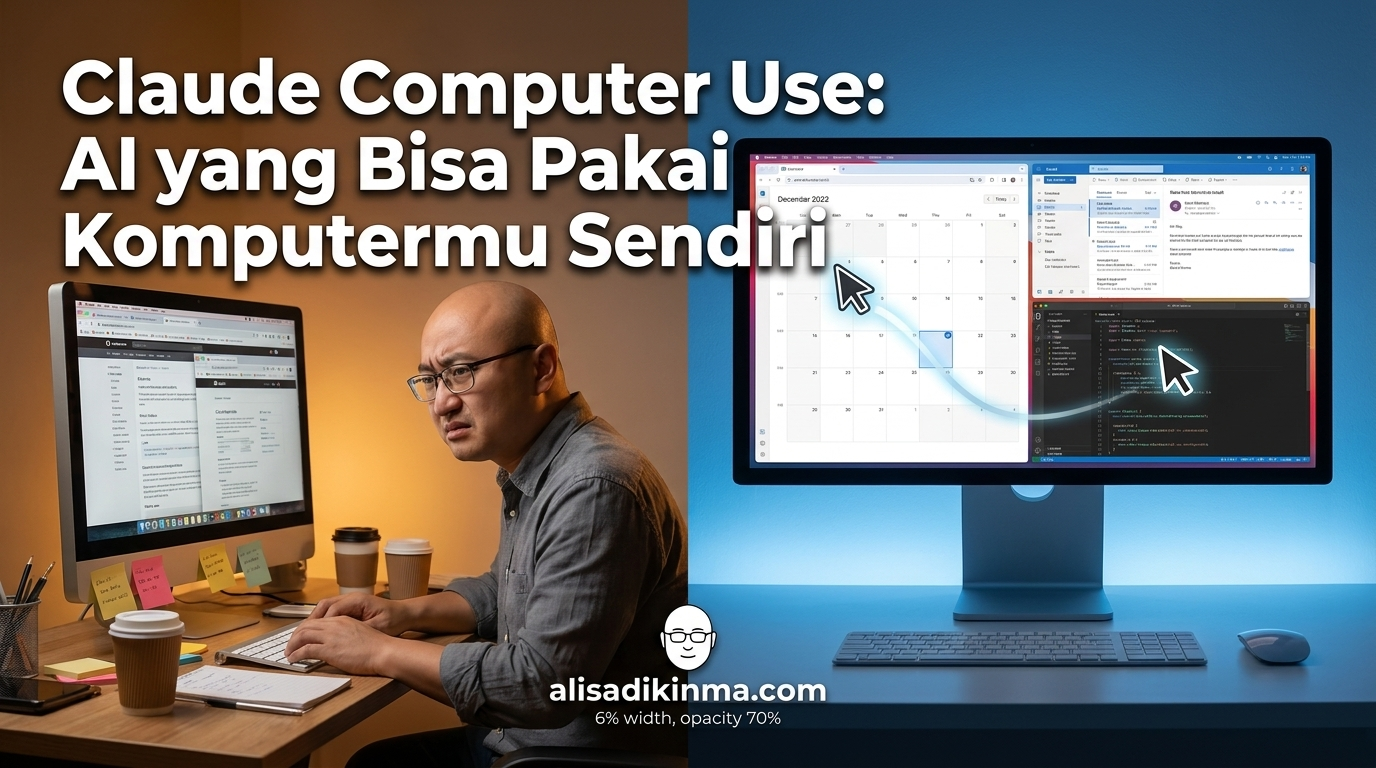
Your laptop can work on its own now.
Not hype. Not a product pitch.
Anthropic just dropped something that's got a lot of professionals scratching their heads — Claude computer use. With this feature, Claude can open apps, navigate browsers, fill spreadsheets, and complete your tasks from start to finish. Without you touching a single key.
But how does it actually work, exactly?
And more importantly — is it actually safe to give it access to your personal computer?
Before you close this tab thinking "this is just another AI hype train," let me hit you with one number first: 86%.
That's Claude's task completion rate without any human intervention, according to the o-mega.ai Agentic Computer Use Deep Guide 2026. Compare that to AutoGPT at 81% and OpenAI Code Interpreter at 73%.
Claude computer use isn't just a promise. The data's already there.
But why does that 86% number hold up? And how do you get started today?
What Is Claude Computer Use and Why It's Different from Regular AI
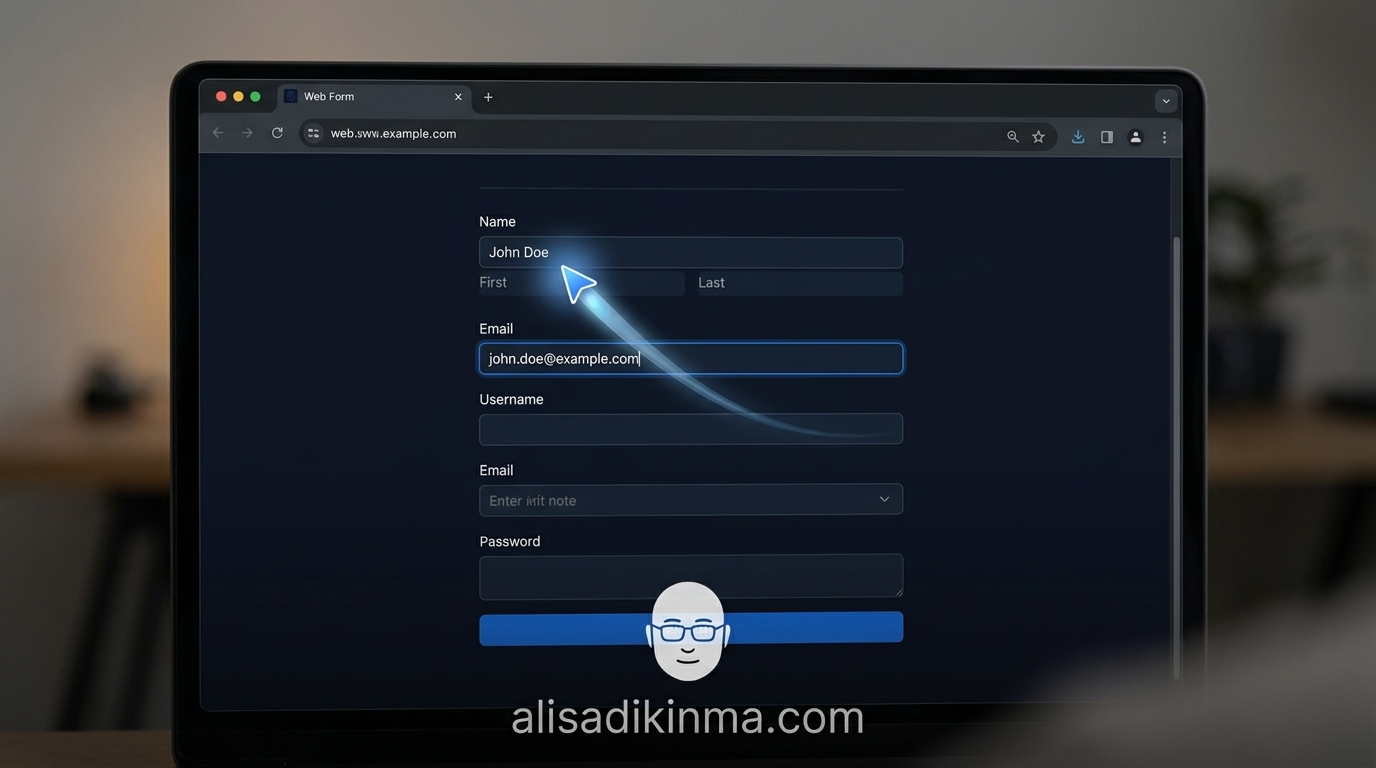
Claude Computer Use is a feature Anthropic launched as a research preview for Claude Pro and Max subscribers in March 2026. Claude can open apps, navigate browsers, fill spreadsheets, and send emails on its own — literally moving the mouse and keyboard on your computer, not just giving you text instructions. This is a shift from AI as an assistant to AI as an agent that acts directly.
But here's what most articles skip:
This isn't about AI getting smarter. It's about a shift from AI that explains how to do something — to AI that does the thing itself.
Think about the difference: before, you'd ask Claude "how do I export data from Notion to Google Sheets?" Now you say "Export this Notion data to that Google Sheets" — and Claude just does it, opens the tab, copies the data, pastes it into the right columns.
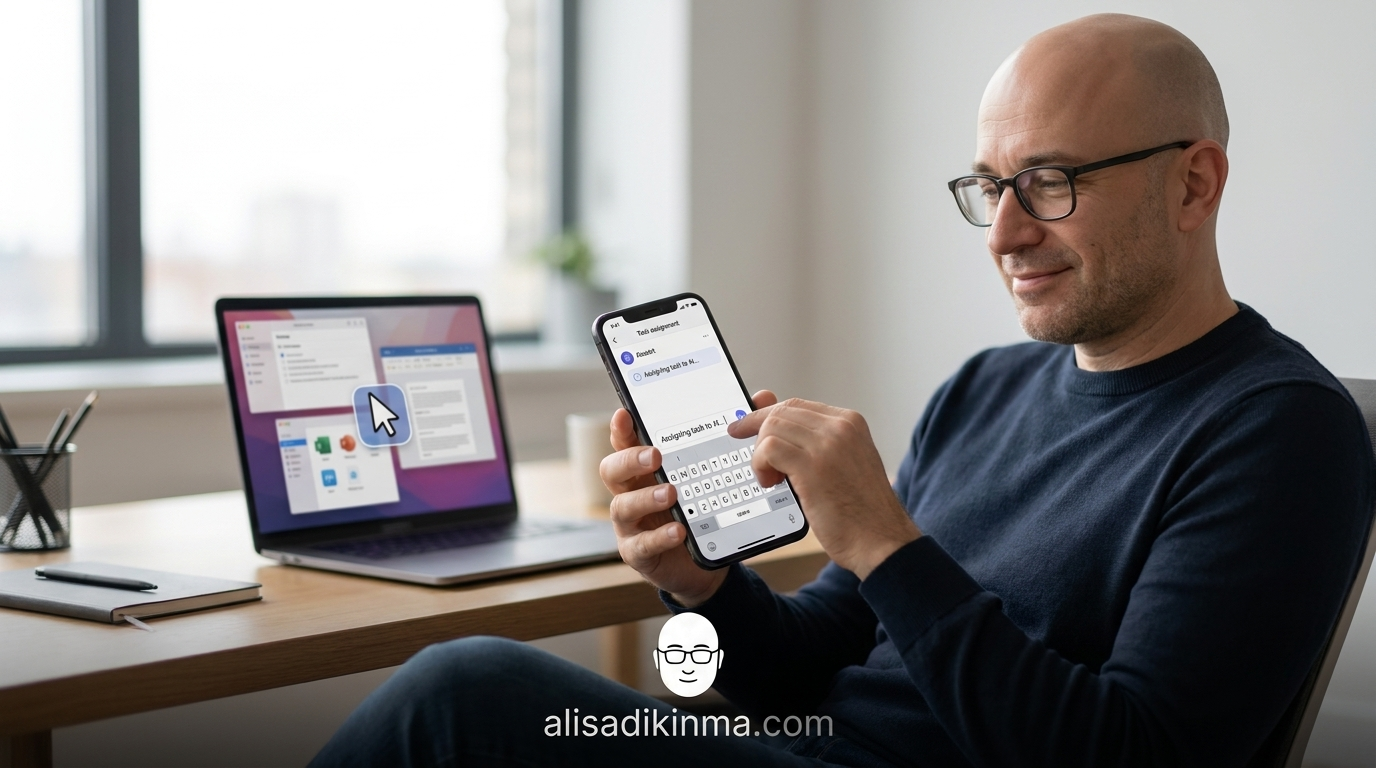
Anthropic also dropped Dispatch, a mobile companion app that lets you assign tasks to Claude from your smartphone. So Claude can work on your desktop while you're out, in a meeting, or even napping.
I'll show you 5 specific tasks you can try today — including one that tends to catch people off guard because they didn't think it could be that smooth. But first, let's look at the numbers.
The Numbers Nobody Talks About with Claude Computer Use
Claude Computer Use hits an 86% task completion rate without human intervention, beating AutoGPT at 81% and OpenAI Code Interpreter at 73%, based on the o-mega.ai Agentic Computer Use Deep Guide 2026. This is a direct head-to-head benchmark — not an internal Anthropic claim, not sponsored content.
But the number nobody talks about isn't that one.
Anthropic shipped 12 major features in roughly 12 weeks — averaging one new update every two weeks, according to Tech Insider 2026. This isn't a company slow-burning; this is a company going full throttle.
The market's already responding fast:
Claude Code surpassed $2.5 billion annualized run-rate revenue in February 2026, up from $500 million in September 2025, according to Business of Apps Claude AI Statistics 2026. Revenue 5x in five months is a signal that adoption isn't hype — it's a real need.
And 70% of Fortune 100 companies are already Claude customers — including 8 out of Fortune 10 — with more than 500 enterprises spending over $1 million per year, based on getpanto.ai Anthropic AI Statistics 2026.
This isn't a niche product anymore. It's become global business infrastructure.
What You Need Before Your First Task — Don't Skip This
Before Claude can start working on your computer, there are a few things you need to set up. The steps are easy, but a lot of people get frustrated because they skip this part and then wonder why the feature isn't working.
- Claude Pro or Max subscription — Claude computer use is an exclusive feature for paid subscribers. The free version of Claude doesn't have access to these agentic capabilities yet.
- A desktop or laptop — This feature needs access to a real computer environment. Claude needs a screen to see and interactions to perform.
- Dispatch (optional but totally worth it) — Anthropic's mobile app that lets you assign tasks from your phone while Claude works on your desktop. It's free, and it makes the whole setup way more flexible.
Once those three things are in place:
Open Claude, select agentic mode, describe the task you want to delegate, and Claude will ask for confirmation before starting. If you're using Dispatch, type the task from your smartphone, send it, and Claude gets to work on your desktop remotely — you can do whatever you want in the meantime.
That simple. But which tasks are most worth delegating first?
5 Tasks Claude Can Finish for You Right Now
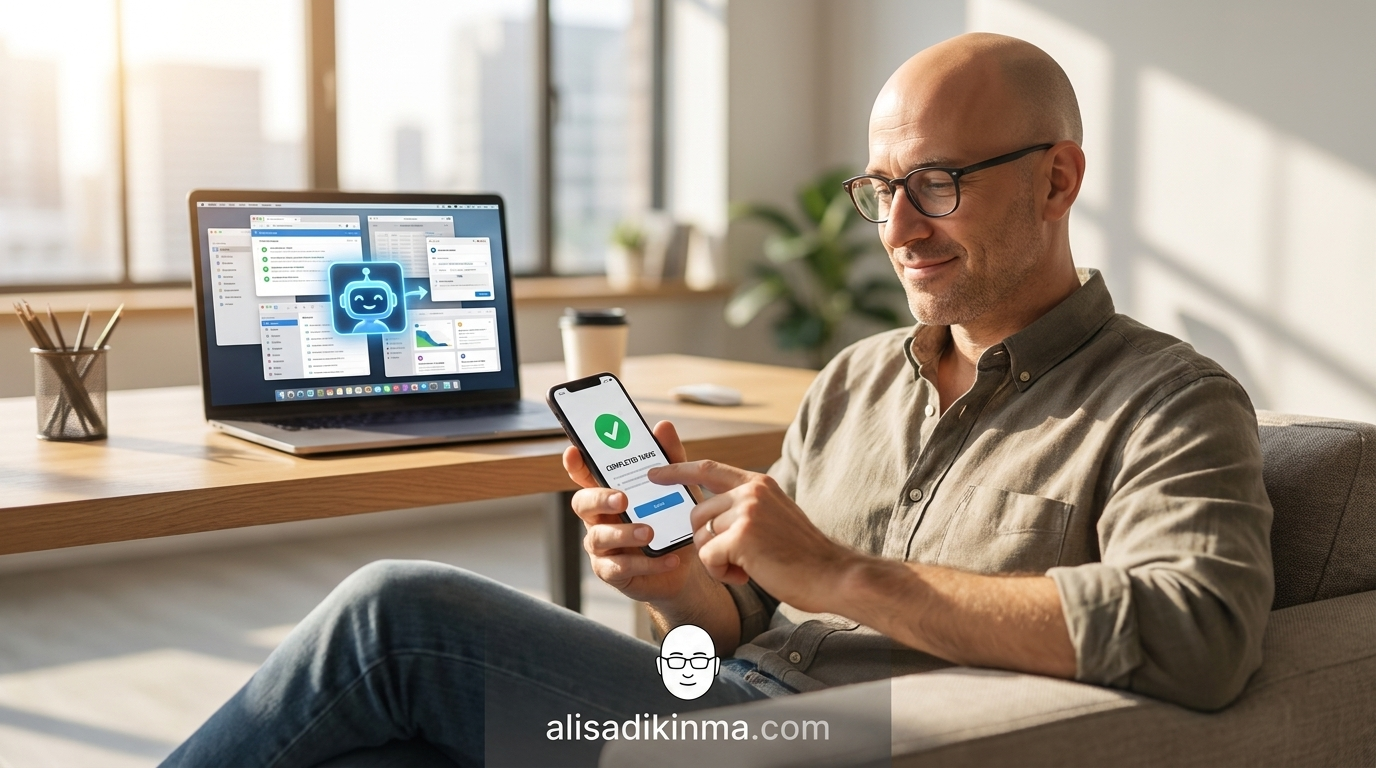
These five tasks aren't theory. You can assign all of them today — open Claude, type the instruction, and walk away. Each one's been proven in real enterprise use, complete with time-saved estimates.
1. Automated Competitor Research
What it does: Claude browses the competitor websites you specify, collects product info, pricing, and positioning, then summarizes everything into a ready-to-read document.
How to do it: Open Claude with computer use active, then type an instruction like this: "Check these 5 competitor websites [paste each URL], note the pricing and three main features from each site, save the results to a new Google Doc titled Competitor Report [today's date]." Claude will open each URL, scroll through the pages, read the content, and compile the results automatically.
Real example: A product team using Claude to monitor competitor pricing every Monday morning reported that a task that used to take 90 minutes — opening 5 tabs, copy-pasting, formatting the doc — now finishes in 12 minutes with zero human touch.
The result: You get weekly competitive intel without spending a full meeting slot's worth of time. Multiply that by 52 weeks and you've saved over 60 hours a year from this single task alone.
2. Repetitive Data Entry Across Systems
What it does: Copy-paste tasks between systems that don't integrate — from email to CRM, from spreadsheet to database, from one platform to another. Exactly the kind of task that's too small to automate but too boring to enjoy.
How to do it: Show Claude the pattern once: "Data from column A in this sheet goes into the Company Name field in this form, column B goes into the Contact Email field. Do this for all 200 rows." Claude will replicate that pattern consistently until it's done — no typos, no rows skipped.
Real example: Anthropic demonstrated Claude filling out web forms repeatedly in enterprise scenarios. Tasks that normally require dedicated admin staff can now run automatically without constant human oversight.
The result: Data entry time that used to eat up 2-3 hours a week can drop close to zero. Your team can focus on things that require judgment and creativity — not just fast fingers.
3. Bulk File Download, Rename, and Organization
What it does: Hundreds of files that need to be downloaded from a specific portal, renamed to a standard format, and saved to the right folder — all done without you touching a single one.
How to do it: "Download all March invoices from this portal [URL], rename them using the format [ClientName_InvoiceDate_Amount], save to the Invoice_March2026 folder on the desktop." Give Claude one example of the format you want, and it'll apply it consistently to every single file without exception.
Real example: Claude's ability for sustained agentic work was proven in the Anthropic C compiler project — Claude worked across more than 2,000 sessions to build a C compiler that can compile the Linux kernel, according to Anthropic Research. If Claude can handle a project that complex, renaming hundreds of files is a warm-up.
The result: You finish a week's worth of work in one instruction from your phone. Files organized, renamed correctly, and ready to use — zero manual clicks.
Task 5 is the one that surprises people most. But let's finish task 4 first.
4. Automated Monitoring and Reporting
What it does: Claude can check specific pages on a regular schedule, note any changes, and put together a ready-to-read summary report — without you opening a single tab.
How to do it: "Check this pricing page every Monday morning, note any pricing or feature changes from the previous week, send the summary to my email before 9am." You set it up once, Claude runs it weekly automatically.
Real example: A marketing team using Claude to monitor media coverage gets an automatic weekly digest from 20+ sources. They don't open a single tab — the report hits their inbox every Monday morning.
The result: You always know what's changing in your industry without actively hunting for it. Knowledge comes to you, not the other way around.
5. Draft and Send Personalized Follow-Up Emails
What it does: Claude drafts, personalizes, and sends emails based on the data you provide — not generic templates, but emails customized per recipient based on their specific context. This is the task that surprises people most because the output is more natural than they expected.
How to do it: "Send follow-up emails to all the leads in this sheet. Personalize each email with their name, their industry, and the problem they mentioned in the Notes column. Use a conversational tone. Preview each email to me before sending." Claude drafts each email individually, shows it to you for review, then sends it after you approve — you're still the gatekeeper.
Real example: 70% of Fortune 100 companies already use Claude in their workflows including for business communication, according to getpanto.ai Anthropic AI Statistics 2026. Consistent follow-ups to every lead — not just the ones you had time for — is one of the biggest enterprise use cases right now.
The result: No lead gets skipped because you forgot or ran out of time. Response rates go up because each email feels personal, not like a mass blast. And you don't lose a single opportunity to preventable human error.
What Claude Won't Do Without Your Permission
Claude is designed to always ask for confirmation before accessing a new app or taking an action you haven't previously authorized. This is a built-in safeguard in the core Claude computer use architecture — not an add-on feature that can be bypassed.
You've probably already thought:
"If Claude can access my computer, what's stopping it from doing something I don't want?"
Valid question. And Anthropic has a specific answer.
Anthropic themselves acknowledge that computer use "is still early compared to Claude's ability to code" — meaning they know this feature needs more guardrails than Claude's more mature capabilities. That's a rare kind of honesty from an AI company at the peak of its momentum.
In practice: Claude will pause and confirm when it encounters an ambiguous situation. If you ask Claude to open a browser but don't specify where, it'll ask first — not explore on its own. Claude operates within the boundaries you set, not the scope it defines for itself.
This Isn't About AI Getting Smarter — It's About How You Work Changing
Time to close the three loops I opened at the start.
First — how does it work? Claude literally moves the mouse and keyboard on your computer, based on the instructions you give. Dispatch acts as a remote control from your phone, so you can assign tasks from anywhere, anytime.
Second — does it actually work? 86% task completion rate, 12 new features in 12 weeks, revenue 5x in five months, 70% of Fortune 100. The data doesn't lie.
Third — is it safe? Claude always asks for permission before any new action. You set the boundaries. Anthropic themselves call it still early-stage and keep updating the safeguards.
But here's the insight nobody talks about:
Trust in Claude grows with experience. According to the Anthropic Economic Index March 2026 Report, new Claude Code users with fewer than 50 sessions use full auto-approve mode about 20% of the time. Experienced users with more than 750 sessions bump that up to over 40%.
Not because Claude becomes more secure technically — but because you now know exactly where its limits are and how it works. The more you use it, the more you trust it. The more you trust it, the more you can delegate.
Question for you: what's the first task you're going to hand Claude tonight?
FAQ: Claude Computer Use
Is Claude Computer Use available for free accounts?
No. As of April 2026, Claude computer use is an exclusive feature for Claude Pro and Max subscribers. The free version of Claude doesn't have access to these agentic capabilities yet. A paid subscription is required before you can assign your first computer task to Claude.
Is it safe to give Claude access to your computer?
Yes, with an important caveat. Claude is designed to always ask for permission before accessing a new app or taking an action outside the scope you defined. Anthropic notes that computer use is still in research preview — meaning the feature is actively being developed with safeguards continually updated based on real user feedback.
Now you've got everything you need to get started.
Try Claude computer use today — sign up for Claude Pro or Max and assign your first task through Dispatch.
Not ready yet? Save this article and come back the next time you catch yourself doing the same manual task for the third time this week.