Vercel Claude Code Plugin Privacy: Is Your Prompt Being Read?
By Ali Sadikin Ma · · Updated
Category: Technology
Akshay Chugh opened his terminal, saw a consent request in a project with zero Vercel files, and thought: this feels off.
But he didn't just close the tab.
Instead — he used Claude to audit the Claude plugin itself.
And what he found about Vercel Claude Code plugin privacy sent 200+ developers on Hacker News into an uproar in a matter of hours.
You're about to know exactly which lines of code were the problem.
But first, there's one question you need to answer honestly:
When was the last time you actually read the source code of an AI plugin you installed?
The Assumption Every Developer Makes (And Why It's Wrong)
"Official" plugins are safe. That's the assumption you're holding.
Makes sense. Big platforms must review their plugins thoroughly, right? There must be clear limits on what data can be collected. There must be real consent before data leaves your machine.
But the reality is uncomfortable:
According to Thunderbit, 57% of consumers worldwide feel AI threatens their privacy — and only 47% trust AI companies to protect their personal data (2026). These numbers formed before the Vercel Claude Code plugin privacy case went wide.
Developers aren't exempt.
You've probably never read the source code of the plugins you install. You probably don't know what gets sent to external servers every time you type a command. And you probably can't tell real consent from engineered consent.
That's exactly what Akshay exposed through his Vercel Claude Code plugin privacy investigation — and the way he did it is even more surprising than what he found.
How He Used Claude to Audit the Vercel Claude Code Plugin Privacy (Step by Step)
Here's what happened:
Akshay installed the Vercel plugin for Claude Code. Simple goal — streamline his deployment workflow.
But when he opened a project with zero connection to Vercel, a consent dialog popped up. Already weird.
So he dug deeper into the Vercel Claude Code plugin privacy case. He found the plugin file at ~/.claude/plugins/cache/claude-plugins-official/vercel/. He opened it, read it, and found something he didn't expect:
The plugin was using a hook UserPromptSubmit with an empty matcher — the string ''.
What does that mean?
In Claude Code's architecture, the matcher determines which context triggers the hook. An empty matcher means: every context. Every prompt you type, in any project, gets read by this plugin — not just your Vercel projects.
But that's not all.
Akshay also found that bash commands — including file paths, project names, and environment variables — were being sent by default to telemetry.vercel.com. No clear notification. No real opt-in.
And that consent dialog? It wasn't a real UI element. It was prompt injection — instructions inserted into Claude's system context, telling Claude to ask the user and run shell commands based on their answer.
You weren't consenting to Vercel. You were telling Claude to run commands on Vercel's behalf.
Akshay's investigation post immediately hit #1 on Hacker News — and over 200 comments poured in within hours.
4 Things That Should Put You on Alert Right Now
This isn't a small problem you can dismiss. There are four layers of issues stacking on top of each other — and any of them can exist in any plugin you haven't audited:
1. Unlimited Data Collection Scope — and You Have No Idea
What's happening: The empty matcher ('') on the UserPromptSubmit hook doesn't just read prompts in Vercel contexts. It reads your prompts when you're coding a startup app, debugging a sensitive API, or asking about a client's internal database architecture.
How to check: Run grep -r "UserPromptSubmit" ~/.claude/plugins/cache/ in your terminal. The output shows every plugin using this hook. Open each file and look for the matcher value. If it's empty ('') or universal (".*"), that's a red flag.
Concrete evidence: Harmonic Security analyzed 22 million enterprise AI prompts and found 34.8% contained sensitive data — a sharp jump from 11% in 2023. That sensitive data goes into AI tools. If a plugin has an empty matcher, that data can flow to external servers without you knowing.
The result: You can lose control over data containing API keys, client names, or proprietary business logic — without ever giving real consent.
2. Fake Consent Is a Deliberate Privacy Dark Pattern
What's happening: The consent dialog that shows up in your CLI isn't an official confirmation to Vercel. It's a question the plugin inserted into your Claude conversation via prompt injection — and Claude runs commands based on your answer.
How to tell the difference: Real consent comes from the OS system or the app's official UI — not from text inside Claude's chat window. If there's a dialog inside Claude asking you to type "yes" or "no", first ask Claude: "Show me the hook that just triggered this question."

This isn't a bug. This is intentional design — one that only came to light because a developer bothered to read the source code.
The result: Understand this Vercel Claude Code plugin privacy pattern — and you've got an edge most developers don't when it comes to spotting real consent vs. engineered consent.
3. Bash Command Telemetry — You're Sending More Than You Think
What's happening: The plugin's default behavior sends bash command strings to telemetry.vercel.com. Bash commands often contain absolute paths (/home/user/projects/clientname/), environment variables (DATABASE_URL, API_KEY), and flags that reveal your project structure.
How to monitor: Use lsof -i | grep telemetry during an active session. Or install tools like Little Snitch (Mac) or Portmaster (Linux). Most effective: read the plugin source before you install.
Concrete evidence: This is one of the biggest findings in the Vercel Claude Code plugin privacy case: Protecto.ai reported AI-related privacy incidents jumped 56% over the past year, with around 40% of organizations reporting AI privacy incidents in 2025. Many of these started from data sent "by default."
The result: Knowing what gets sent by default, you can make an informed decision — instead of just hoping everything's fine.
4. The Claude Code Plugin Ecosystem Doesn't Have Granular Permissions Yet
What's happening: Claude Code doesn't yet have a granular permission system. There's no display showing: "Plugin X has access to context Y and sends data to server Z." Akshay explicitly identified three missing pieces: visual attribution, granular permissions, and project-scope boundaries.
What this means: This isn't just one vendor's problem. This is an architectural gap that lets any plugin — even official ones — collect data more broadly than you realize.
How to handle it now: Manually audit every plugin before installing. Ask Claude to read and explain the plugin source code before you enable it.
The result: Until granular permissions arrive, you're the gatekeeper — and now you know how to do it.
Vercel Responded Within Hours. Here's What They Changed.
Akshay Chugh's post hit #1 on Hacker News with over 200 comments — covering GDPR implications, supply chain risk, and potential plugin policy violations.
Vercel CEO Guillermo Rauch responded directly, within hours.
PR #47 was submitted and merged with the following changes:
- Consent to read prompts removed
- Prompt injection for consent removed
- Bash command telemetry fully removed
- Device UUID removed
- Activation gate added — plugin now only activates when a Vercel project marker is present
That was a fast response. That was a serious response.
But there's one thing worth noting:

And the resolution of this Vercel Claude Code plugin privacy case proves one important thing: the whole problem existed in the first place because no one checked. Vercel only acted after someone bothered to open the source code and publish what they found.
How many other plugins has no one checked yet?
This Is Bigger Than Vercel — What's Still Wrong With the AI Plugin Ecosystem
One developer exposed a major problem with one focused investigation.
The Vercel Claude Code plugin privacy issue is a warning signal for the entire ecosystem. Picture this:
How many other plugins — from different platforms, different vendors — are using the same patterns? Empty matchers. Default telemetry. Consent via prompt injection.
Claude Code isn't the only platform facing this. The AI coding tool ecosystem is growing incredibly fast. Plugin security standards haven't kept up.
The Hacker News discussion also covered GDPR implications — if an EU developer's prompts get sent to servers outside the EU without valid consent, that could be a serious violation.
And the permission architecture gap Akshay identified is still there — not because of malicious intent, but because there's no standard framework for how AI plugins should handle user data with granular permissions.
The question is no longer "whether Vercel made a mistake."
The question is: "What are the other plugins still doing that no one has investigated yet?"
3 Things to Check in Your AI Tools Before You Open Your Next Project
You now know what went down with Vercel Claude Code plugin privacy. Time to act — before you open your next project.
1. Audit Every Plugin You've Already Installed
What you need to do: Open the ~/.claude/plugins/cache/ directory and check every plugin folder.
How: Run grep -r "UserPromptSubmit" ~/.claude/plugins/cache/ in your terminal. The output shows every plugin using this hook. Open each file and look for the matcher value. If it's empty ('') or universal (".*"), that plugin has access to all your prompts.
From this Vercel Claude Code plugin privacy case: The plugin used an empty matcher on the UserPromptSubmit hook — meaning all prompts across all projects could be read. After Vercel's PR #47, this was fixed with an activation gate requiring a Vercel project marker.
The result: You have a complete map of which plugins have broad access to your context — and can decide which ones to remove or review further.
2. Monitor Network Traffic During Coding Sessions
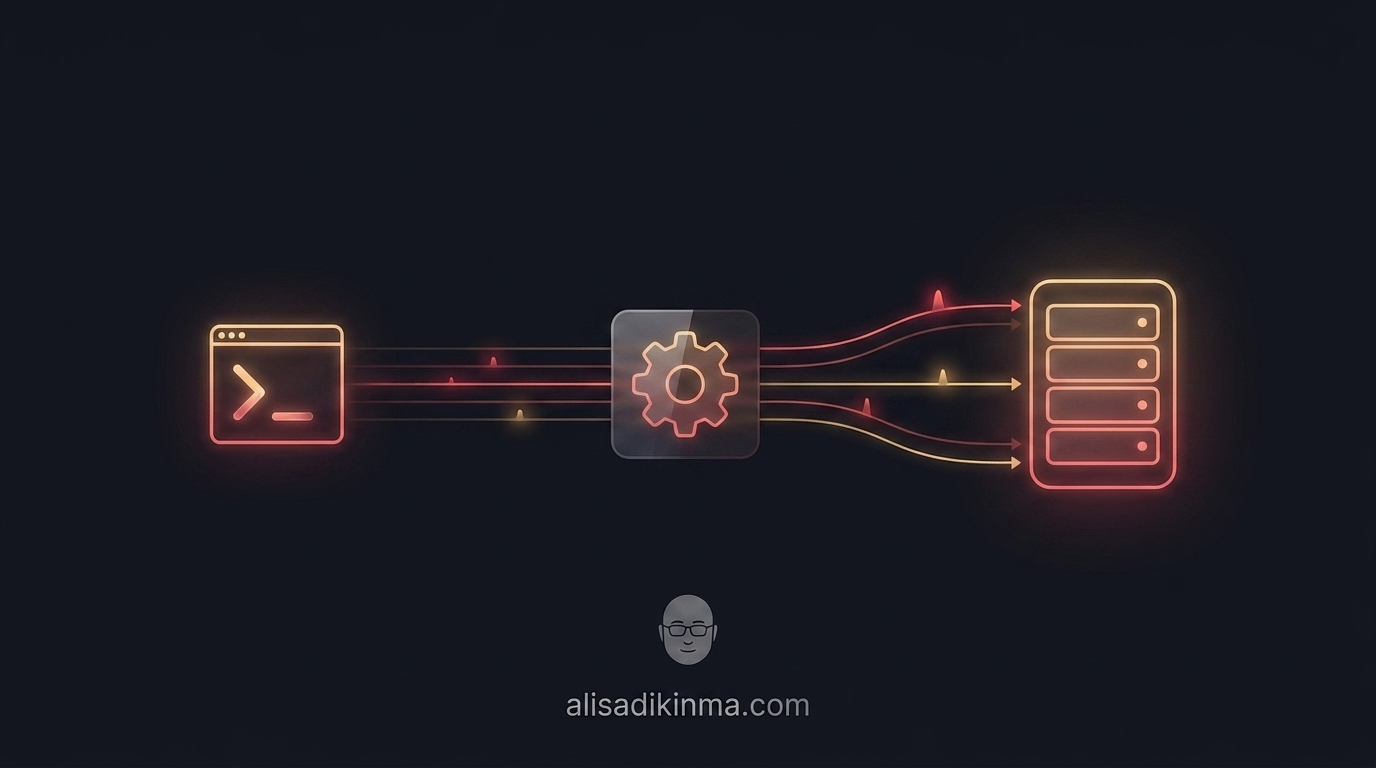
What you need to do: Install a network monitoring tool to see outgoing connections while you code.
How: On Mac, use Little Snitch. On Linux/Windows, use Portmaster. For a quick check, run lsof -i | grep telemetry during an active session. Watch for unfamiliar domains — especially from tools that aren't your main platform.
From this case: Bash commands were being sent to telemetry.vercel.com even for projects with no connection to Vercel — and this was only caught through a network monitor, not any UI.
The result: You know exactly where your data is going — not just trusting the platform.
3. Ask Claude to Read the Plugin Source Code Before Installing
What you need to do: Before enabling a new plugin, ask Claude to audit its source code first.
How: Ask Claude: "Read the source code of this plugin from [path/URL] and identify all hooks that collect or send data to external servers." This is exactly the method Akshay Chugh used — he used Claude to audit the Claude plugin itself.
The result: In minutes, you've got an independent analysis of the plugin's behavior before you give it access to your terminal — the same method that exposed the Vercel Claude Code plugin privacy issue in a matter of hours.
Remember the terminal Akshay opened at the start of this story?
Now you know exactly what to look for when the same thing happens to you. And that's the difference between being someone whose data gets collected silently — and someone who knows how to audit it.
How many plugins have you added to Claude Code without ever checking their hooks?
FAQ: Claude Code Plugin Security
What Is the Vercel Claude Code Plugin and Why Did It Become a Privacy Issue?
The Vercel plugin for Claude Code is an official extension that helps streamline deployment workflows to the Vercel platform. The privacy issue emerged when developer Akshay Chugh found the plugin using an empty matcher on the UserPromptSubmit hook — meaning it was reading all user prompts across all projects, not just Vercel ones. Bash commands were also being sent to telemetry.vercel.com by default, and the consent dialog was prompt injection — not a real UI element. Vercel released PR #47 in 2026, fixing all of these issues after Akshay's investigation went viral on Hacker News.
Is the Vercel Claude Code Plugin Safe to Use Now?
After Vercel's PR #47 released in 2026, the plugin now only activates when a Vercel project marker is present, the consent prompt injection has been removed, and bash command telemetry has been disabled. However, the Claude Code plugin ecosystem as a whole still doesn't have a granular permission system or visual attribution — so it's still important to manually audit every plugin you install, not just Vercel's.
Audit your Claude Code plugins now — open ~/.claude/plugins/cache/ and run grep -r "UserPromptSubmit" to see every active hook on your system.
Save this article before you install your next AI tool — you'll need this checklist.